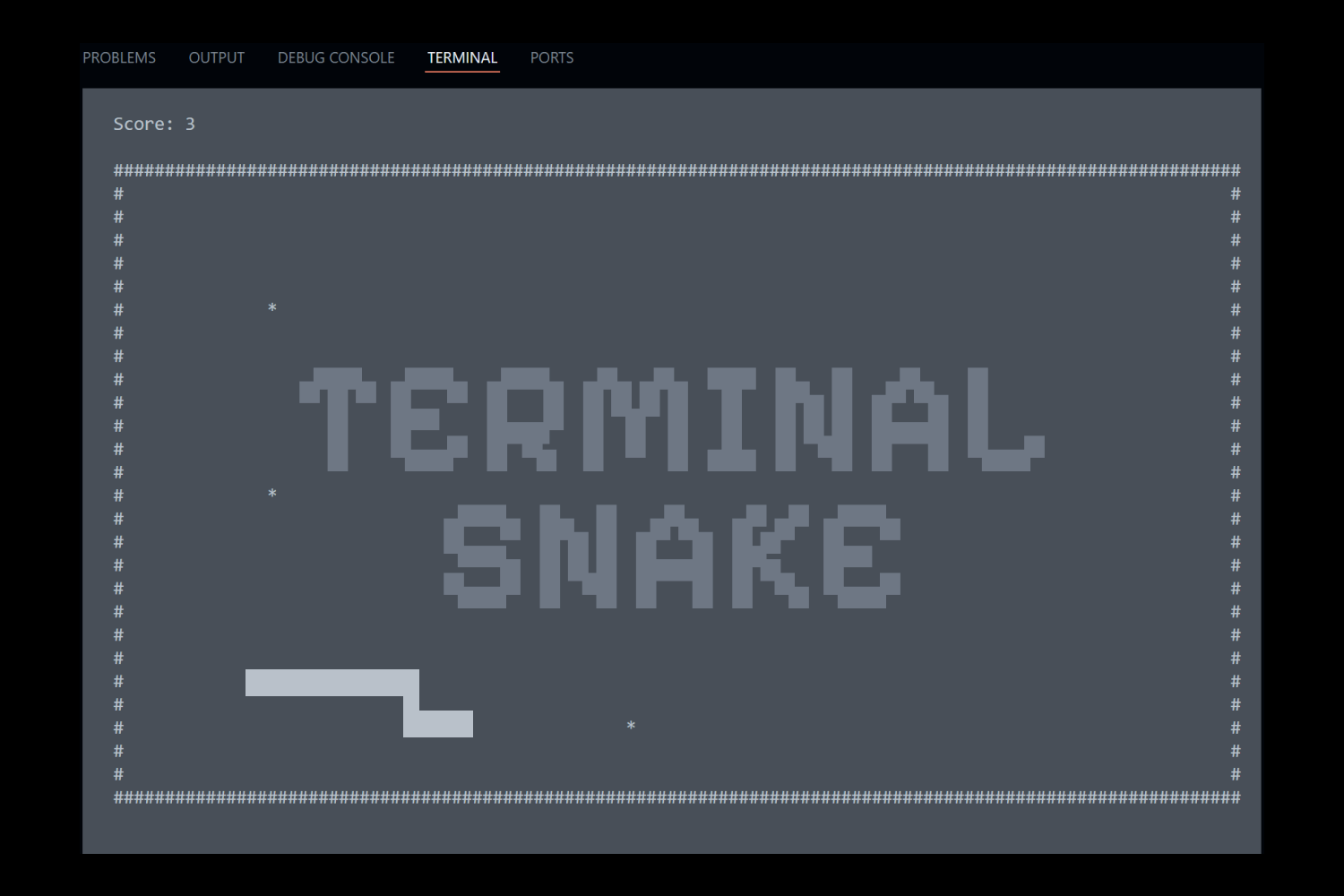
Terminal Snake Game
Overview
Designed and developed a real-time, single-player snake game inspired by classic arcade games and modern browser-based experiences. The project focused on creating an interactive terminal application with responsive controls, scoring systems, game progression, and a complete user flow from start screen to gameplay and game over.
The project explored programming fundamentals, interactive design, debugging, and AI-assisted development while creating a functional game experience.
Project Type: Program & Game Development
Software & Technologies Used: Visual Studio Code, GitHub, ChatGPT
Language: Python
My Role
I was responsible for concept development, programming, testing, and refinement of the game experience. I designed the game flow, implemented gameplay mechanics, created user interface screens, debugged functionality, and improved the overall experience through iteration.
Project Goals & Results
The goal of this project was to explore a new programming language and create a functional software application using AI-assisted development tools.
Goals
- Develop an interactive game experience using Python
- Create functional gameplay mechanics including movement, scoring, and progression
- Build clear user flows through start, gameplay, and game over screens
- Practice debugging and problem-solving throughout development
- Explore AI as a tool for programming support and iteration
Results
- Created a fully functional terminal-based snake game with real-time gameplay
- Implemented player movement, collision detection, scoring, and high-score tracking
- Developed a complete user experience with start, gameplay, and game over states
- Improved functionality through testing, debugging, and iterative development
Process

Brainstorm
I started by brainstorming several ideas for different programs. I ultimately landed on the snake game idea due to my enthusiasm for the concept.
Coding
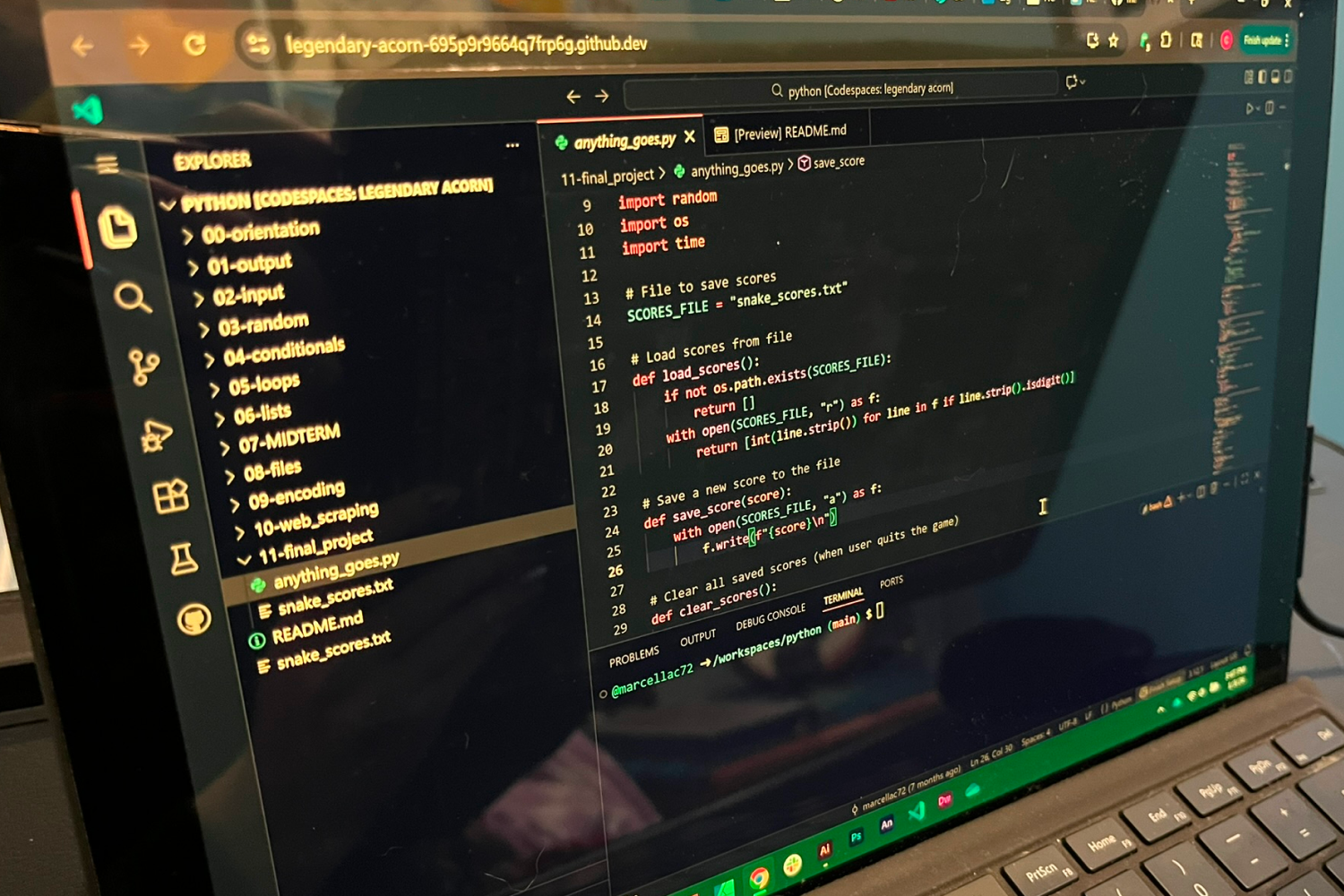
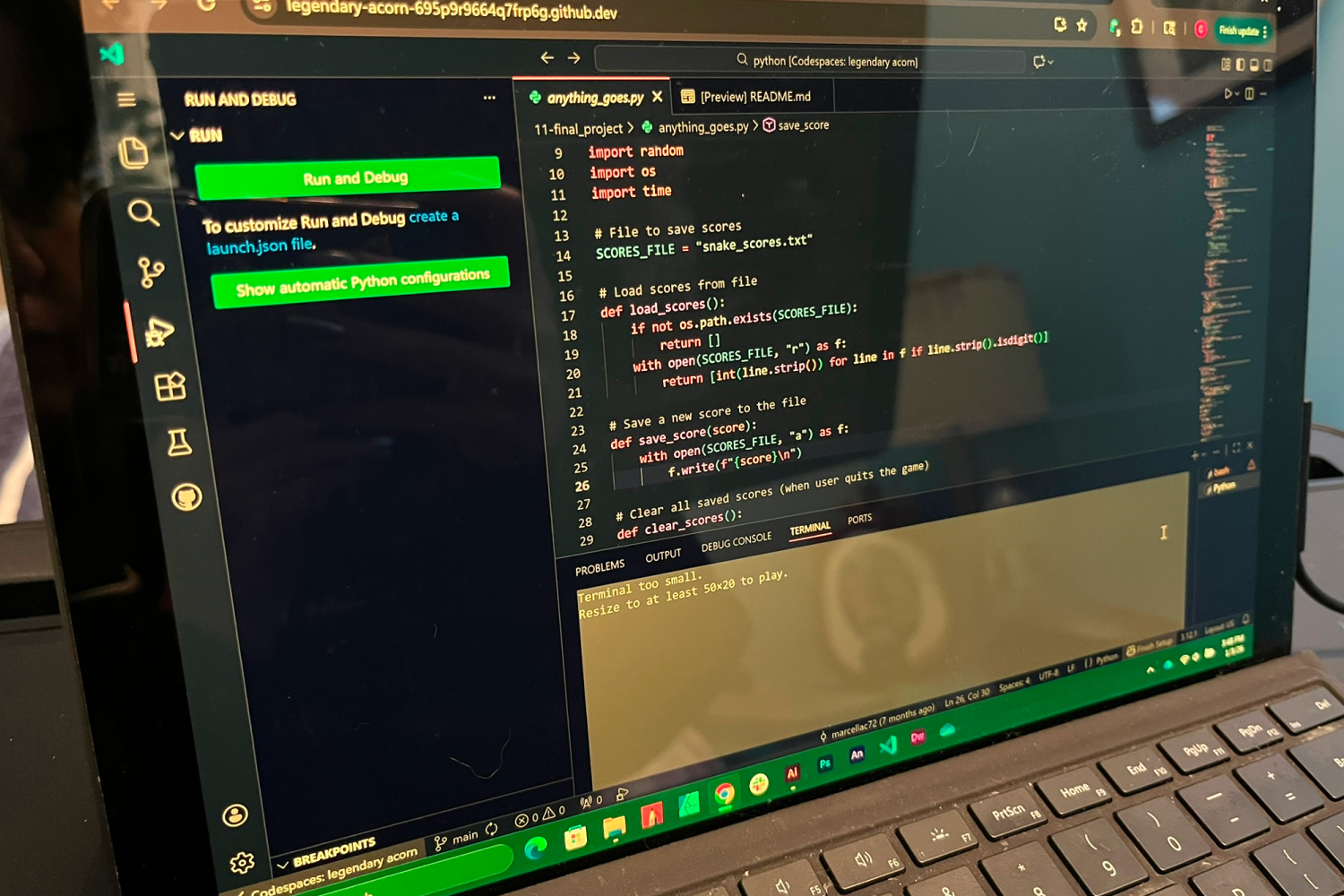
After choosing a direction, I began coding the program using Python, GitHub, and ChatGTP.
Debugging
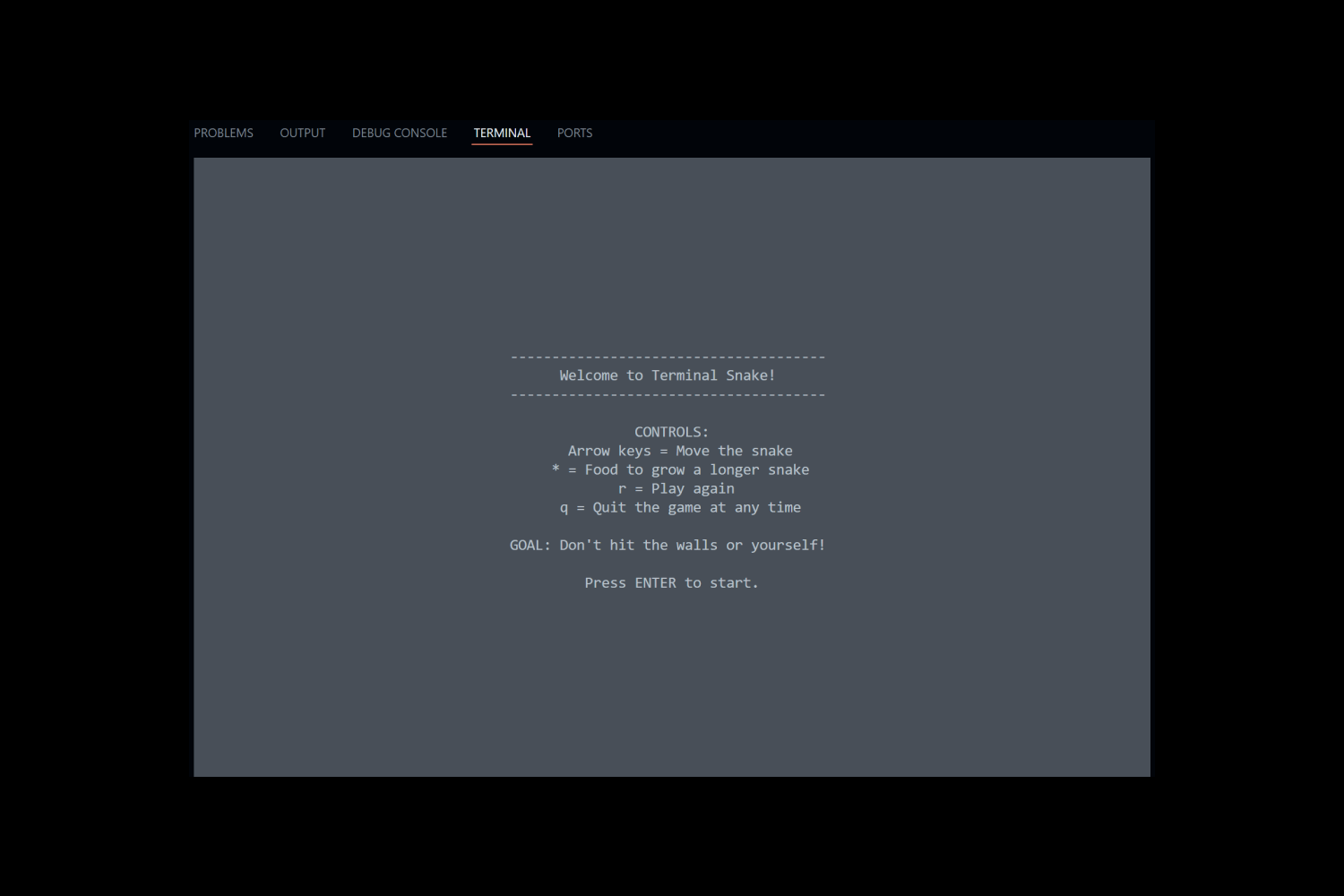
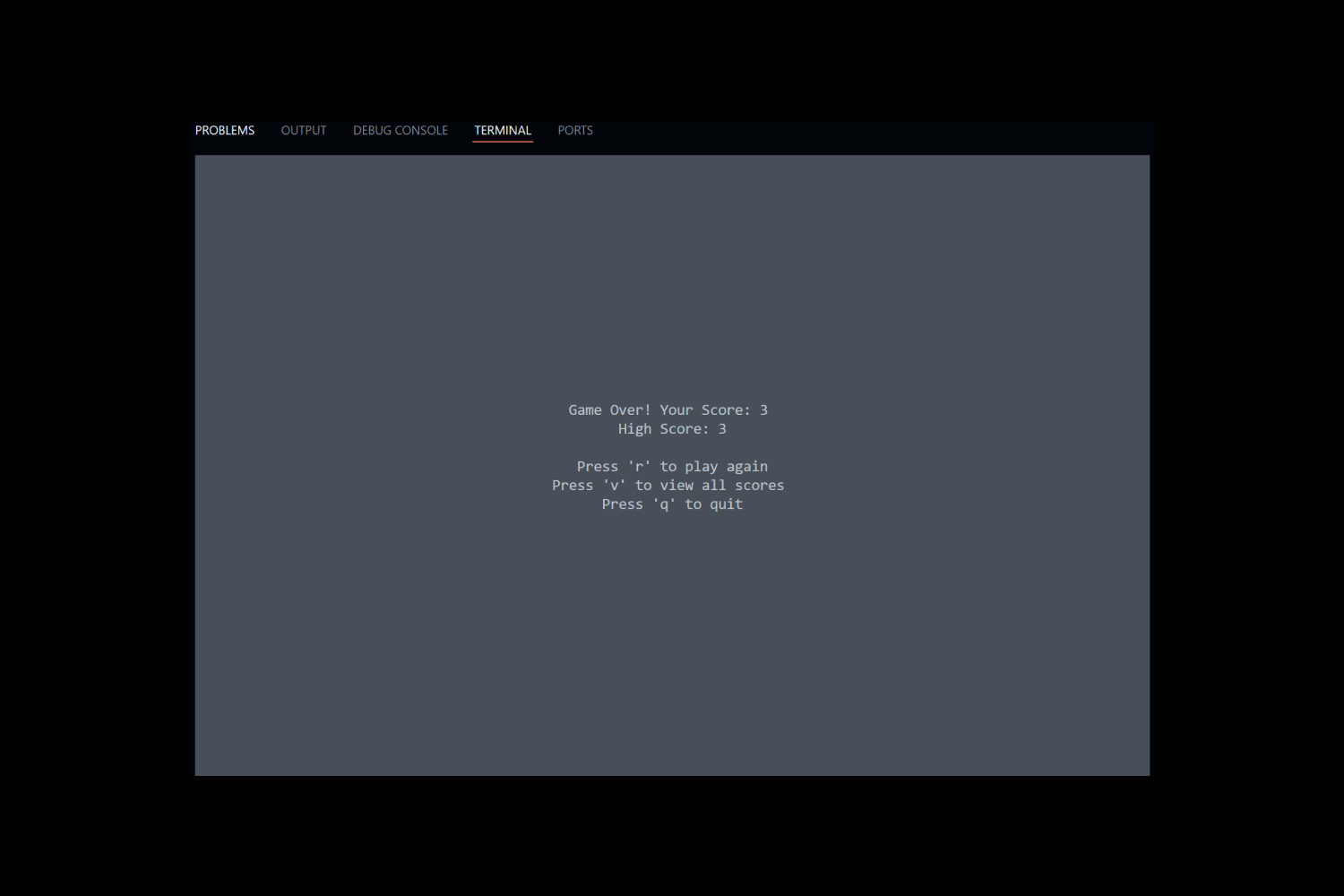
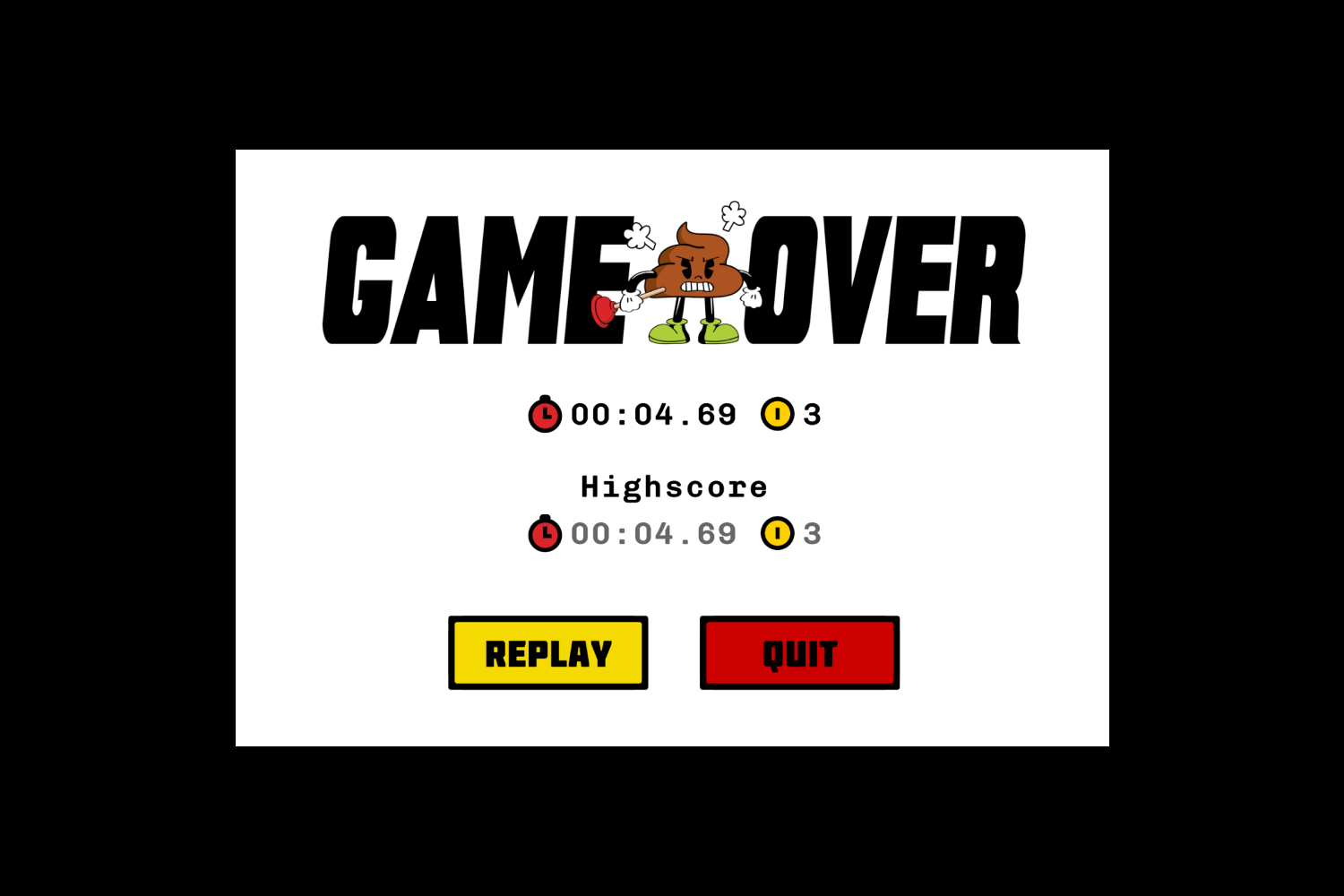
As I coded, I continuously refined the program. I added "Start" and "Game Over" screens and fixed scoring bugs.
Final Program
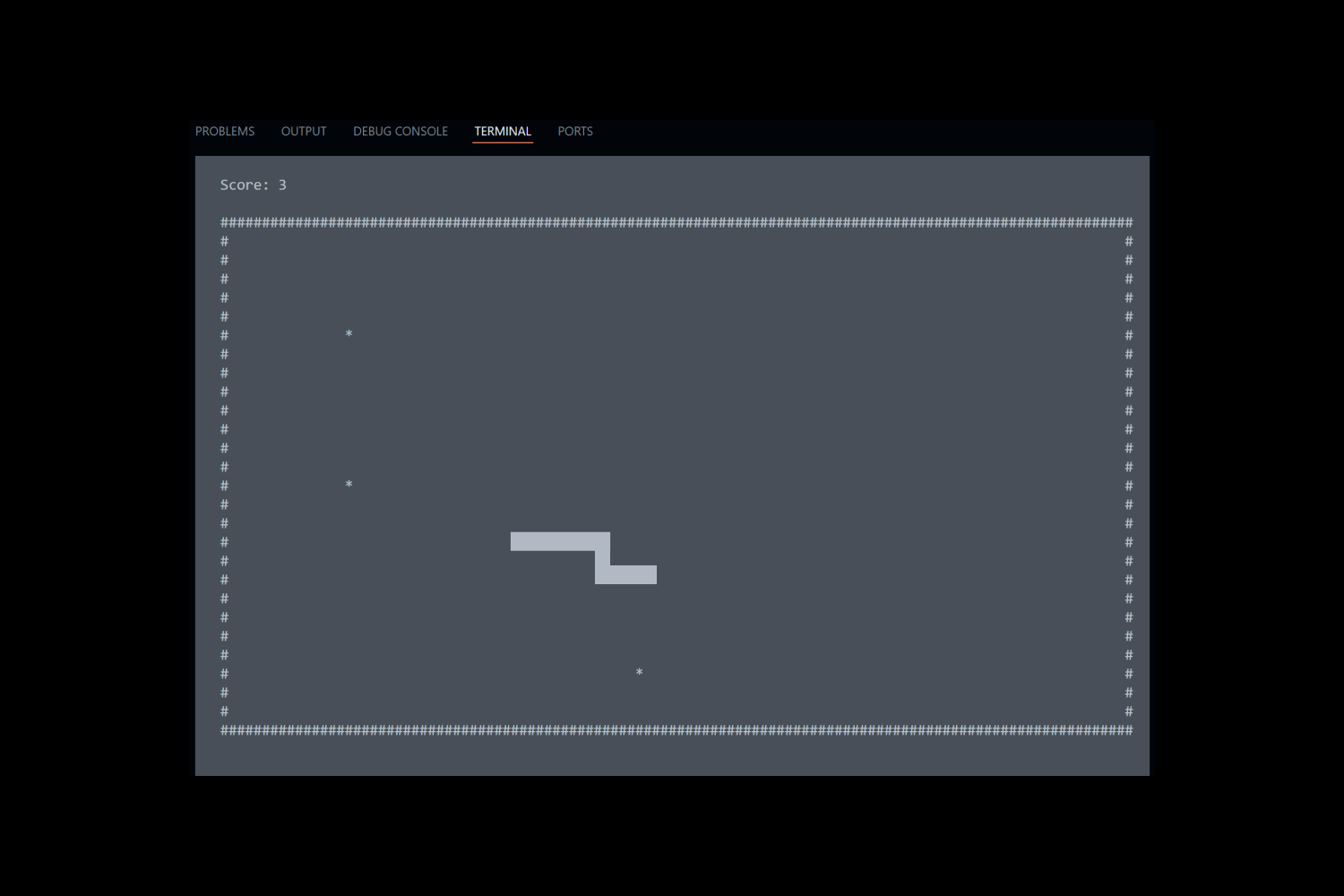
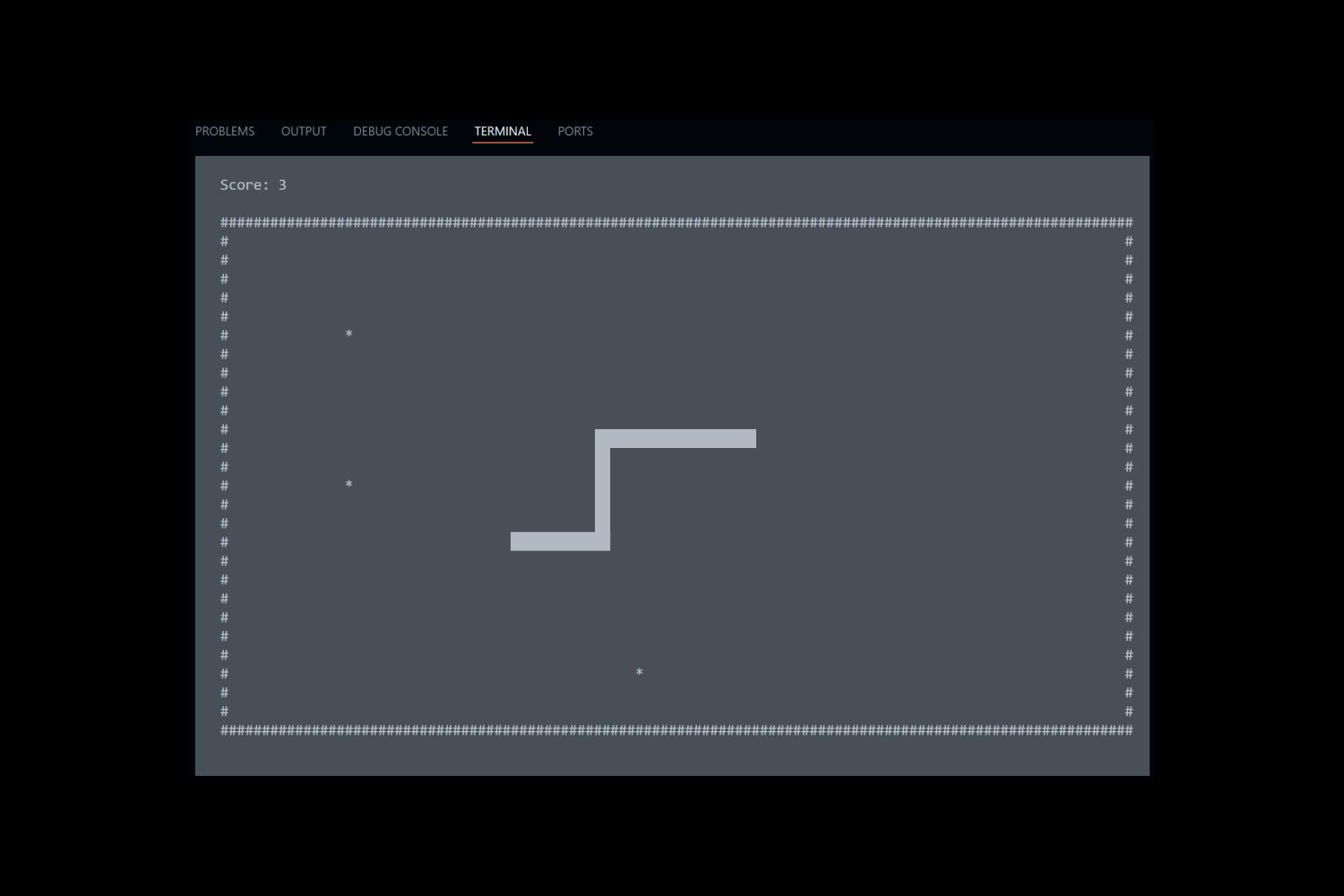
The final program features "Start", "Game Over", and "Repay" screens. It tracks user's current and high score.

Takeaways
This project gave me a deeper understanding of both the power and limitations of AI in the development process. The challenge was to use AI to build something beyond our current coding abilities, and it definitely helped accelerate the workflow and solve problems I wouldn’t have been able to tackle on my own. That said, I quickly learned that AI isn’t perfect. It often took multiple, carefully worded prompts to get usable code, and even then, there were mistakes that needed troubleshooting. I came away from this experience seeing AI as an incredibly useful tool, but one that still requires a human eye for quality, logic, and usability.
Successes
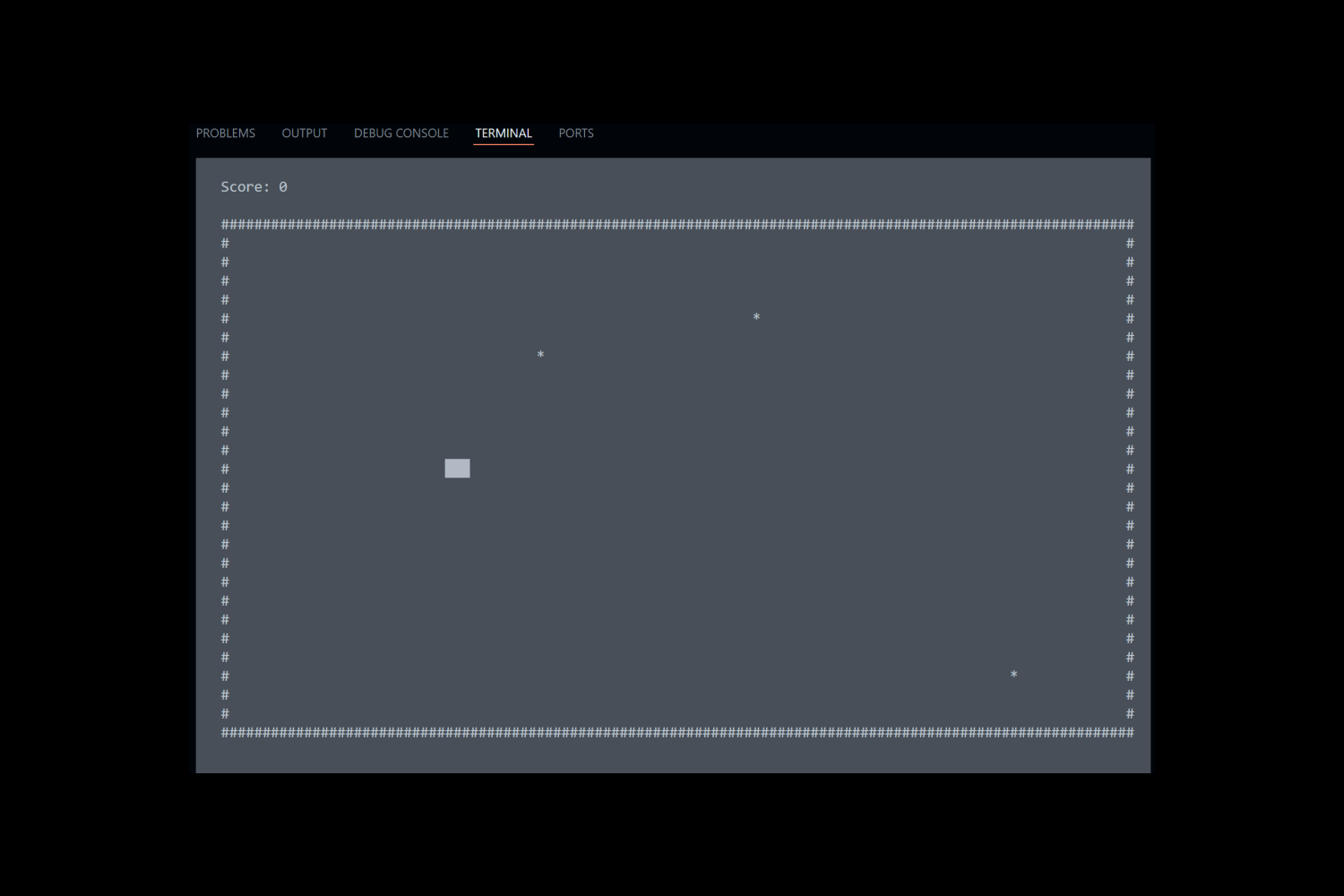
One of the biggest wins in this project was getting the game screen border and background to render correctly, which took a lot of trial and error. Setting up the different menus and getting them to work smoothly was also a challenge, so finally getting that functionality in place felt like a big accomplishment. I’m especially proud of the opening screen with directions, which really improves the overall usability and helps players understand how to jump right in.
Changes
If I could fix one thing, it would definitely be the snake’s movement. For some reason, when the snake moves vertically, it becomes thinner and speeds up, which makes it frustrating to play. It throws off the pacing and makes it harder to control, aim for the food, or avoid crashing into yourself. I’m not entirely sure how to solve that yet, but it’s something I’d love to revisit and debug.

Contact
I’m always excited to connect and discuss new opportunities, projects, or collaborations. Whether you have a question, a project idea, or want to work together, feel free to reach out!